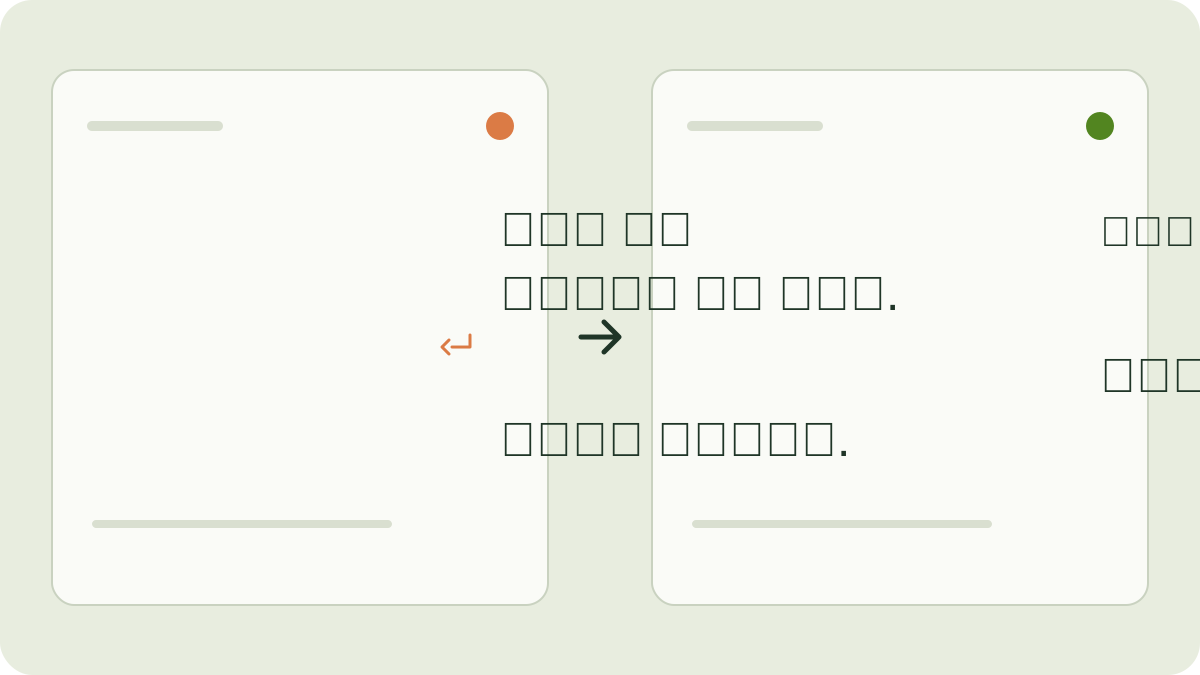
Join wrapped lines. Keep paragraphs.
A document may put a line break after every printed line. Choose Join single line breaks (copied PDF) under Line breaks. A single break joins the lines with a space; a blank line keeps the paragraphs apart.
- Paste the copied text into Arabic Text Cleaner.
- Choose Join single line breaks (copied PDF).
- For the example below, leave Tidy spaces on. Turn off Tidy Arabic punctuation spacing, Remove letter stretching (ـ) and Remove existing vowel marks.
- Select Clean text, then compare the result with the original.
هذا نص
منسوخ من ملف.

فقرة ثانية.هذا نص منسوخ من ملف.
فقرة ثانية.Keep every line break when it separates addresses, verses, lists or other content whose layout carries meaning. The tool cannot decide whether a line break was intentional.
Tidy spacing without removing vowel marks.
For this example, choose Keep paragraphs, tidy blank lines. Enable Tidy spaces, Tidy Arabic punctuation spacing and Remove letter stretching (ـ). Leave Remove existing vowel marks off.
  مــرحبًا   بكم ،في
Good Tools


هذا نص منسوخ . مرحبًا بكم، في
Good Tools
هذا نص منسوخ.The stretching strokes were removed from the first word. Its vowel mark was kept. English text was preserved, and excessive blank lines were reduced. These are formatting changes, not spelling corrections.
Review before copying.
Keep an original copy. Check paragraph boundaries, punctuation and mixed Arabic/English passages. Remove vowel marks only when that is your intention.
The tool works with text you paste. It does not upload or read a PDF, perform OCR, recover missing words, fix copy-order errors or rewrite the wording. A completed cleanup does not establish linguistic correctness.
The result is editable. Use Copy text or Download .txt, then review it in the destination document.